AI Proposal Generator: Create Professional Proposals Fast
This post contains affiliate links, meaning if you click through and make a purchase, I may earn a small commission at no extra cost to you. I only recommend products I personally use and believe bring value to my audience.
A business proposal is often the first designed piece of work a potential client sees from you. If it looks generic, they notice. If it looks polished and on-brand, that signals professionalism before a single conversation takes place.
Venngage's AI proposal generator takes your brief and builds a structured, multi-page proposal around it in seconds. No design experience needed. No starting from a blank page. Just a clean, client-ready proposal template you can customize and send.
In this post I'm walking through how to use the AI proposal generator, what makes a strong business proposal, and how to protect yourself once the client says yes -- using Venngage's AI contract generator.
I've also put together three videos covering each tool in detail. All three are embedded below.
What Is an AI Proposal Generator
An AI proposal generator takes your project details -- the client, the scope, the deliverables, the timeline, the pricing -- and builds a complete proposal document around them. You describe what you need in a prompt, and the AI structures the layout, writes the copy, and populates a professional proposal template in seconds.
Venngage's AI proposal generator does this through a simple prompt widget on the homepage. The output is a multi-page business proposal with relevant sections already in place: an overview, scope of work, deliverables, pricing, and timeline. From there you refine, customize, and export.
This is useful for anyone who writes proposals regularly -- freelancers, consultants, agency owners, nonprofit grant writers, project managers submitting bids. The AI proposal writer handles the structure so you can focus on the content.
Key Features of Venngage's AI Proposal Generator
Generates a full proposal template from a single prompt
Applies your brand kit automatically -- fonts, colors, logo across every page
Built-in AI proposal writer for refining copy directly inside the editor
AI icon generator for custom visuals matched to your brand
Accessibility checker before you export
Export as PDF, PNG, or PPTX
Types of Proposals You Can Create
Venngage's AI proposal generator covers a wide range of proposal types. Here are the most common use cases.
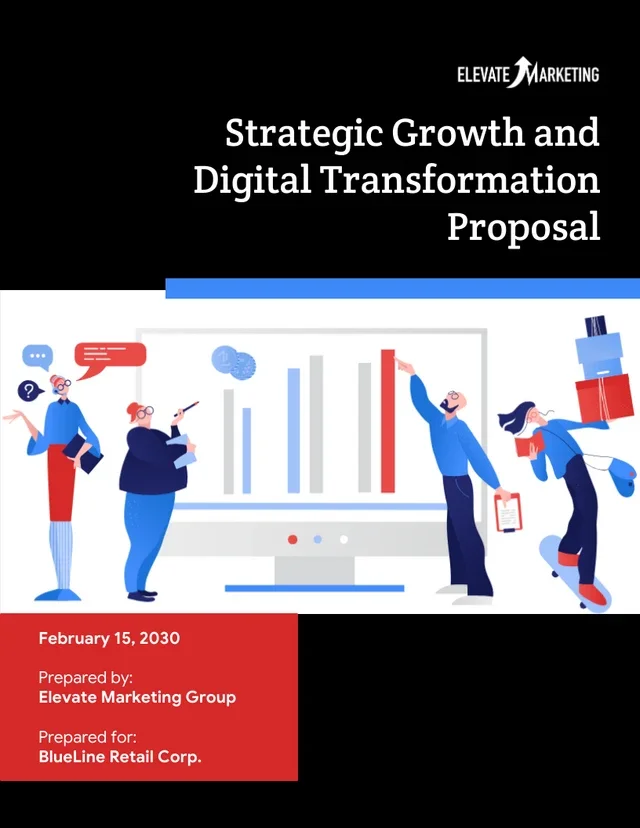
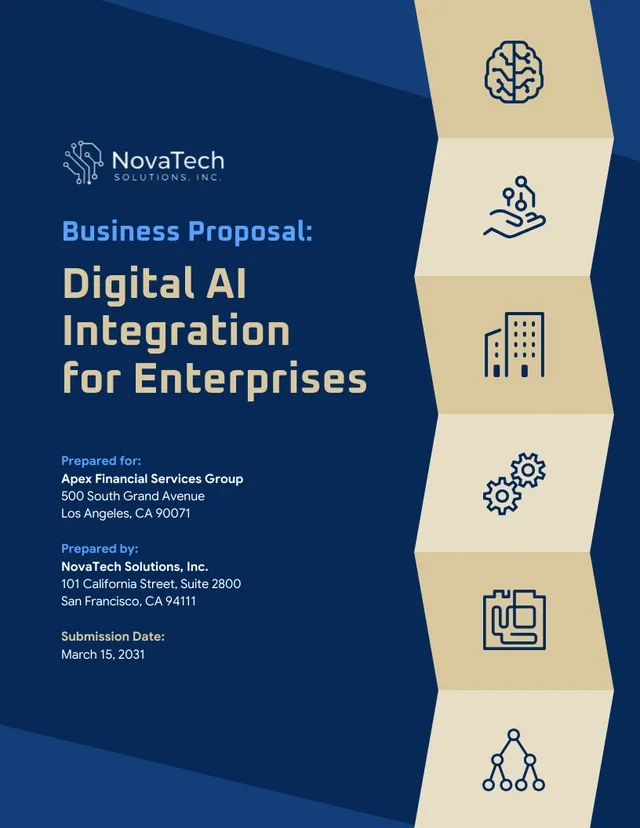
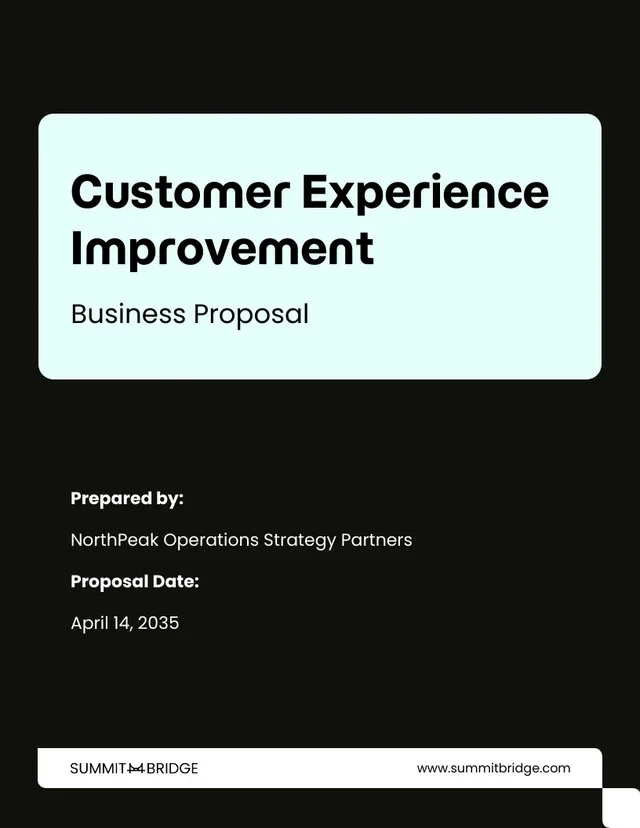
Business Proposal
A business proposal outlines what you're offering, what it costs, and why a client should choose you. Whether you're a freelancer pitching a new engagement or an agency presenting a campaign strategy, the AI generates a polished business proposal template that covers scope, deliverables, pricing, and timeline.
Project Proposal
A project proposal is typically used internally or for stakeholder sign-off. It outlines the goals, methodology, budget, and timeline for a specific project. Venngage's AI proposal writer structures this clearly so decision-makers can review and approve quickly.
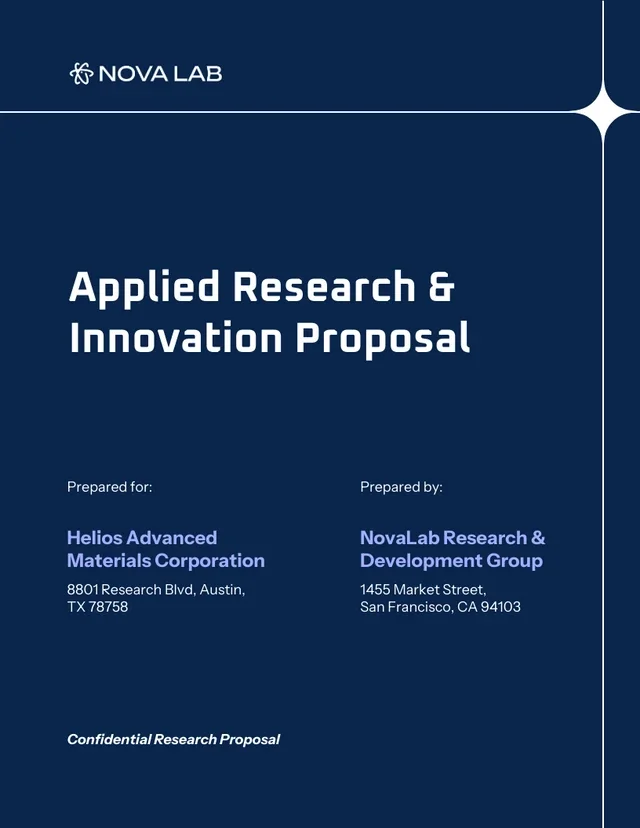
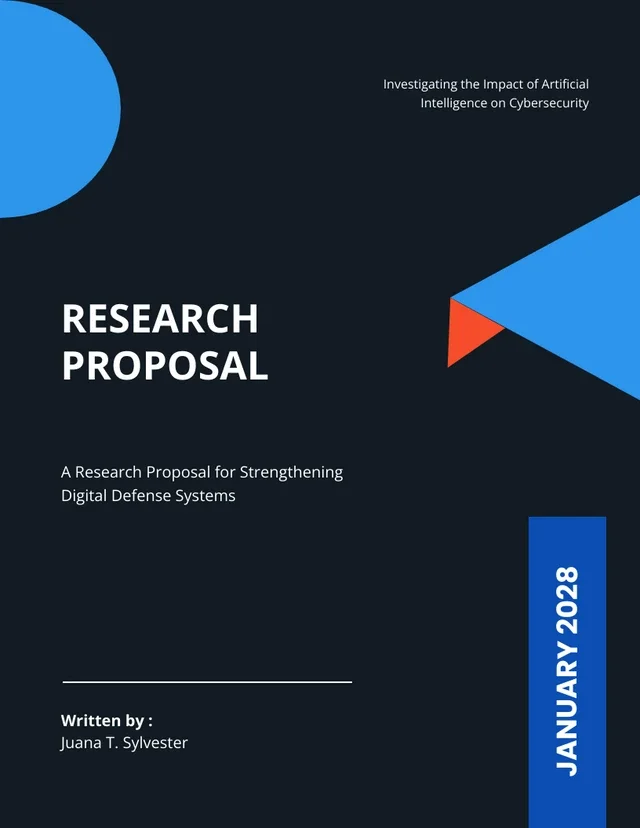
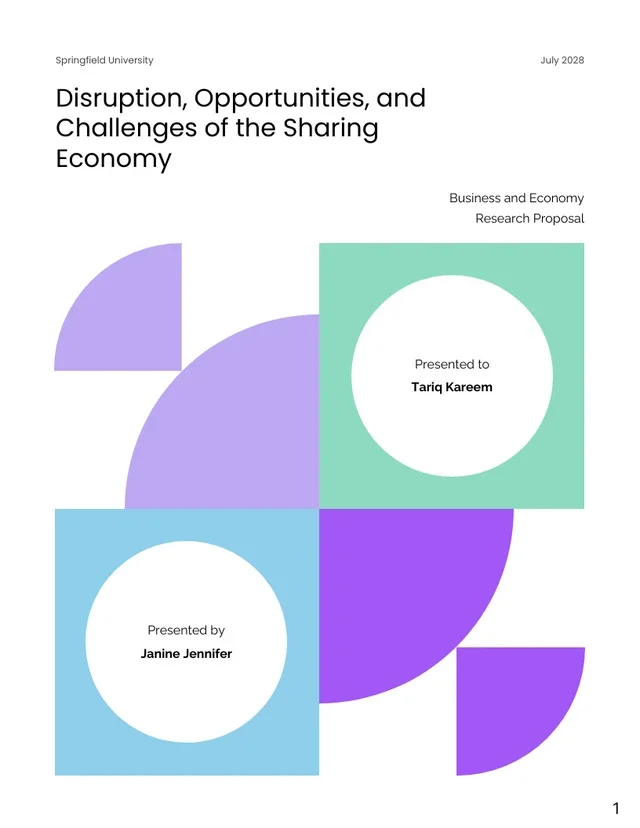
Research Proposal
Academics, analysts, and nonprofit teams use research proposals to outline study objectives, methodology, budget, and expected outcomes. The AI proposal generator handles the format so you can focus on the substance of your research.
Grant Proposals
Nonprofits and community organizations use grant proposals to secure funding. A strong grant proposal needs clear program goals, measurable outcomes, a budget overview, and a compelling case for impact. Venngage's proposal template structure covers all of these, and the AI proposal writer helps you write compellingly without starting from scratch.
How to Create a Proposal Using Venngage's AI Proposal Generator
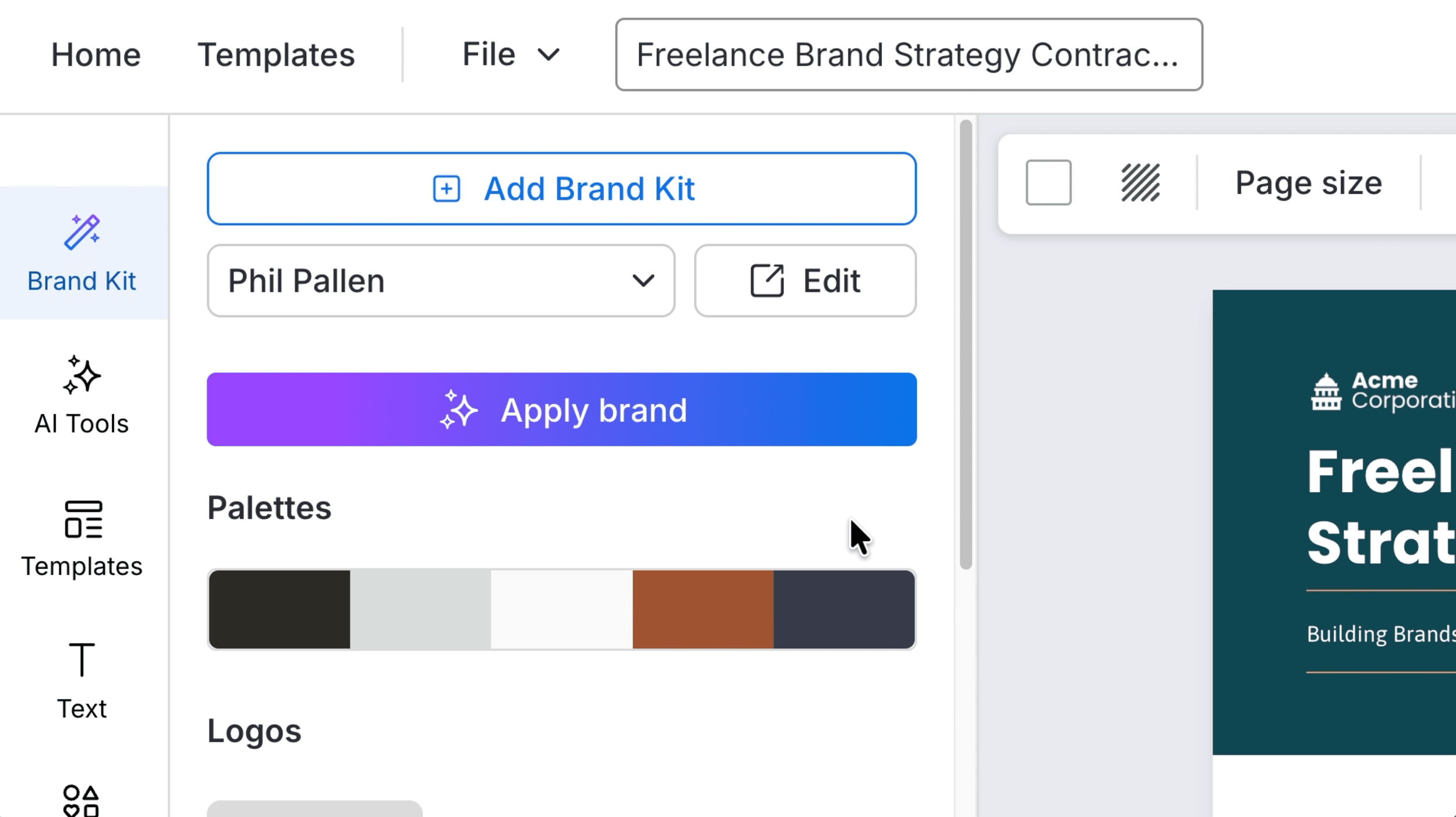
Before you create anything in Venngage, set up your brand kit. Your logo, colors, and fonts apply across every design automatically from that point forward. Takes about two minutes.
Step 1: Set Up Your Brand Kit
Before you create proposals, set up your brand kit. Head to Manage Brand in the left sidebar. Add your logo, brand colors, and fonts. Venngage will attempt to pull these automatically from your website URL. If not, add them manually -- it takes about two minutes.
Every proposal template you generate will pull from this kit. Your fonts, colors, and logo apply across the entire design automatically.
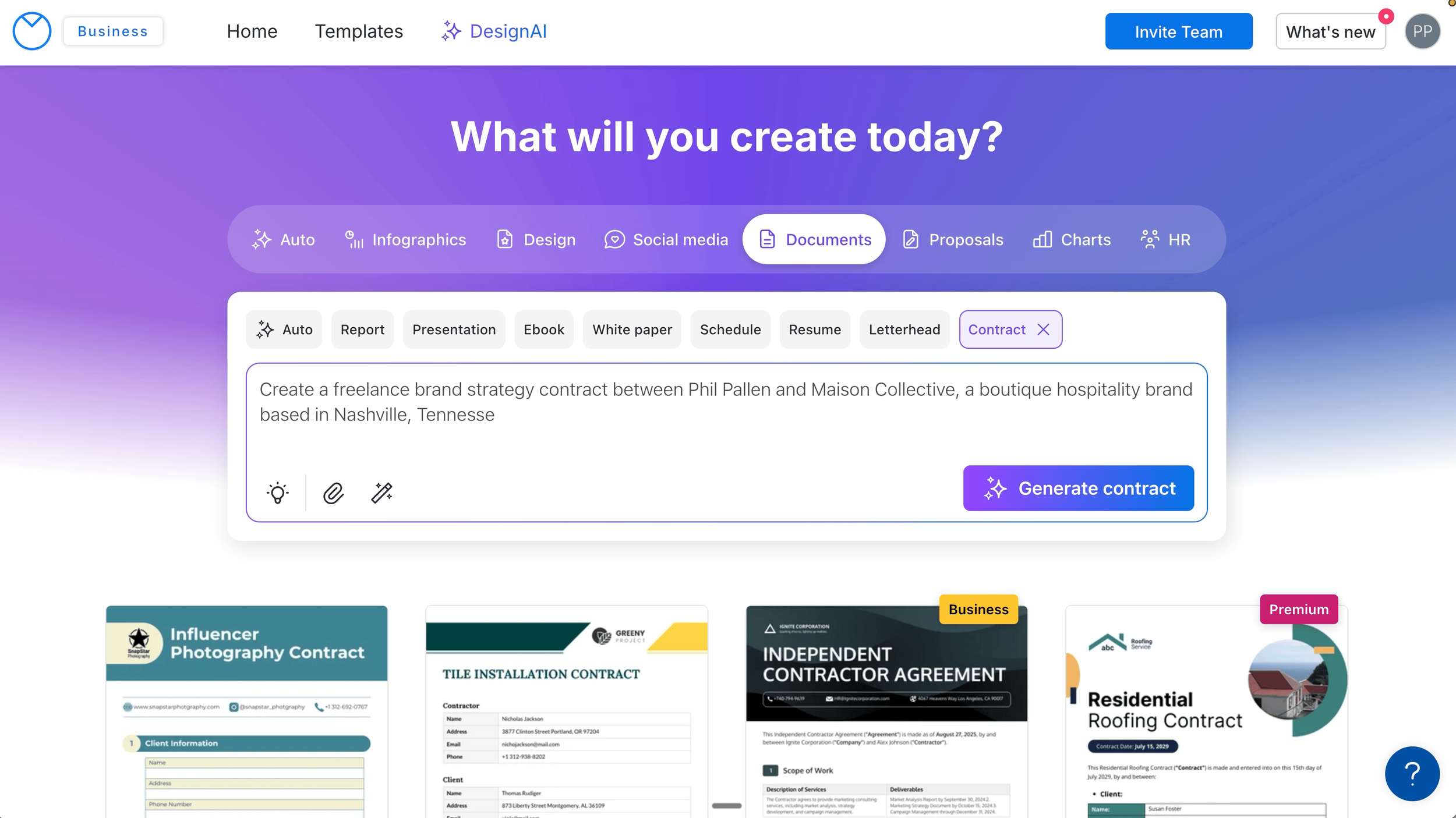
The more specific your prompt, the better the output. Include the client, your deliverables, pricing structure, and timeline. Venngage builds a complete, multi-page proposal around it in seconds.
Step 2: Enter Your Prompt
Head to the homepage and select Proposal from the category tabs in the AI prompt widget. Describe your proposal in detail. Include the client, the project details, your deliverables, pricing structure, and timeline. The more specific your prompt, the better the output.
Here's an example prompt for a brand strategy business proposal:
"Create a brand strategy proposal for a hospitality client. Services include brand audit, positioning, visual identity, and brand guidelines. Investment is $15,000 payable at $5,000 per month over three months. Professional but approachable tone."
The AI proposal generator builds a complete, multi-page proposal template around those details in seconds.
Step 3: Customize the Proposal Template
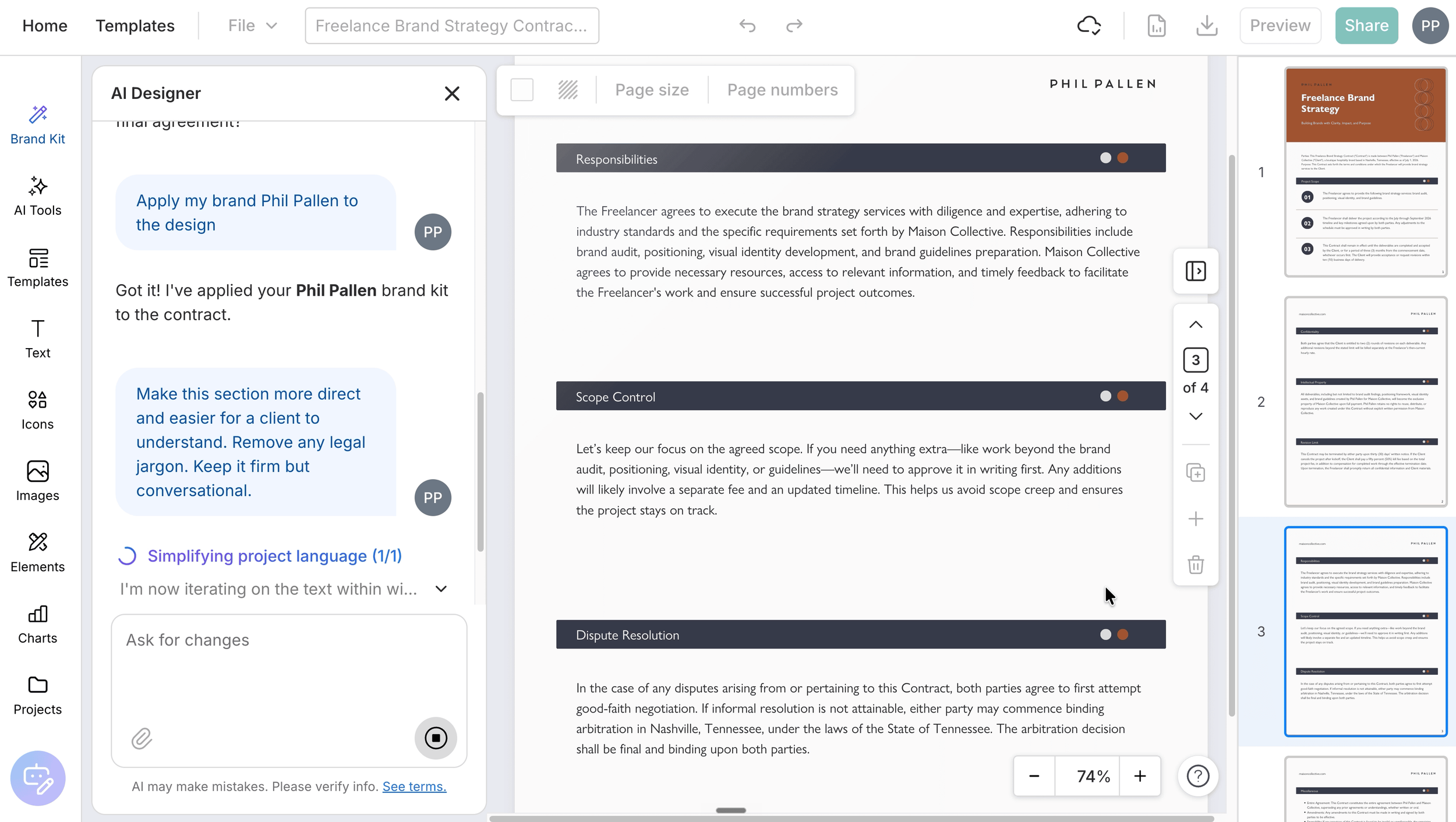
Once the proposal generates, open the brand kit panel and click apply. Colors, fonts, and logo update across every page instantly. Replace the placeholder logo on the title page with your own. Edit text directly on the page.
Use the AI proposal writer inside the editor to refine any section. Ask it to make the language more compelling, more direct, or more formal. It rewrites and shows you what changed.
Step 4: Run the Accessibility Checker and Export
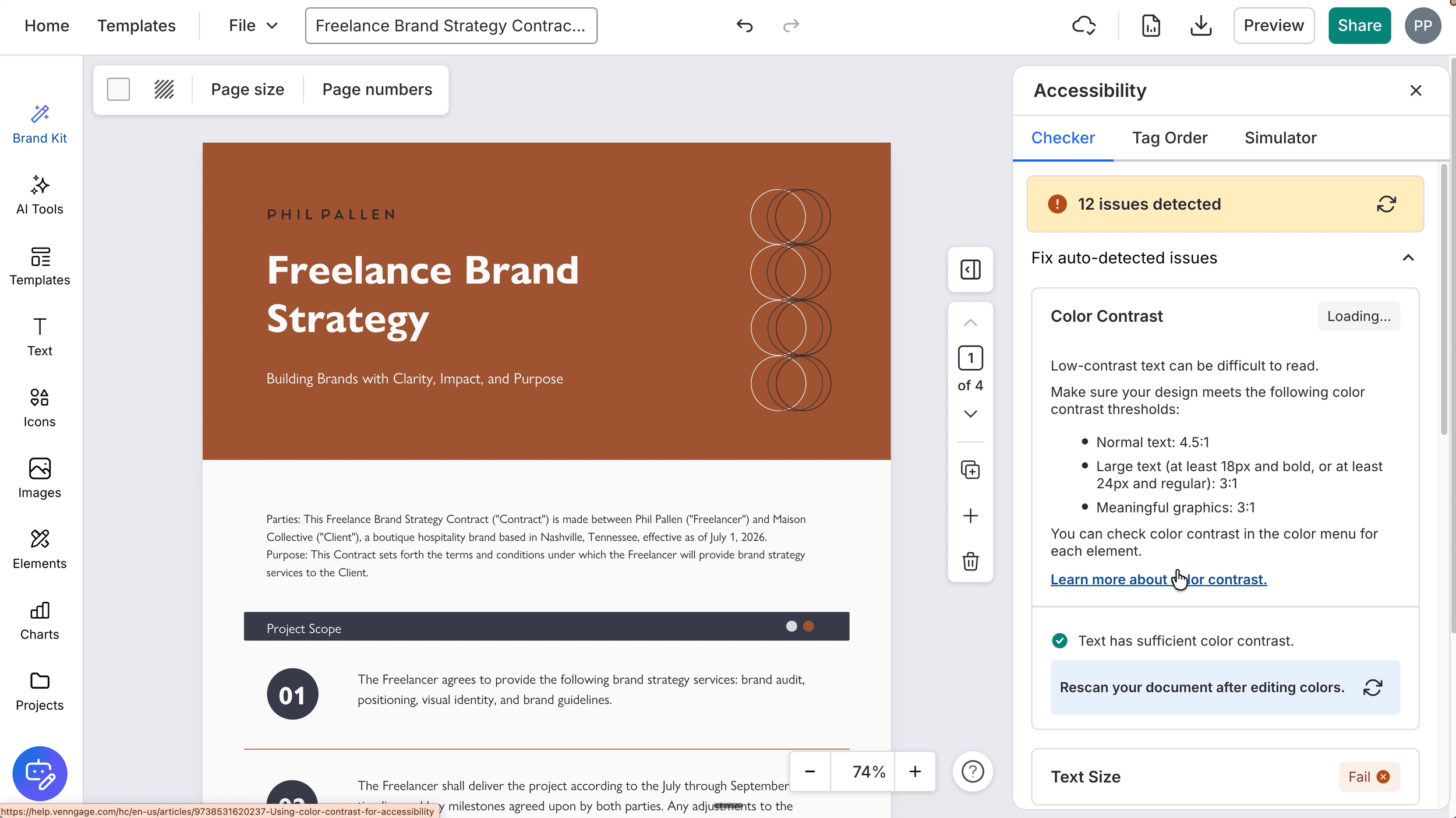
Before sending anything to a client, run the accessibility checker. Go to File, then Accessibility, then Check Accessibility. It flags contrast issues, missing alt text, and readability problems.
Export as a PDF. Links stay intact, formatting is locked, and it works in any viewer.
What Makes a Strong Business Proposal
A strong business proposal does three things. It shows the client you understand their situation. It makes your offer clear and easy to evaluate. And it looks professional enough that they take it seriously before reading a single word.
Here's what every business proposal should include:
Executive summary: a concise overview of the engagement, the client's challenge, and your proposed solution.
Project details: the full scope of work, broken down by deliverable. Be specific. Vague proposal writing creates room for misunderstanding later.
Timeline: key milestones and delivery dates. Clients want to know when things will happen, not just what will happen.
Pricing: clear, itemized, and easy to read. A well-formatted proposal template makes pricing feel considered rather than arbitrary.
Next steps: what happens after the client approves. Make it easy for them to say yes.
The AI proposal generator covers all of these in the template structure. Your job is to make sure the project details are specific to your actual engagement before you send it.
From Proposal to Contract: Protecting Yourself After the Client Says Yes
Winning the client is step one. Step two is making sure the engagement is protected in writing.
A contract defines what's included, what's not, what happens when a client asks for more, and what they owe you if they walk away mid-project. Most freelancers either skip it or use a generic template that doesn't reflect their actual scope of work.
Venngage's AI contract generator builds a structured, branded contract from a single prompt -- the same way the AI proposal generator works. You describe the engagement, include the clauses you need, and it generates a professional, multi-page contract in seconds.
One important note: I'm a brand strategist, not a lawyer. Always have a lawyer or attorney review any contract before you send it, especially for larger engagements. Think of the AI contract generator as a strong starting point, not a substitute for legal advice.
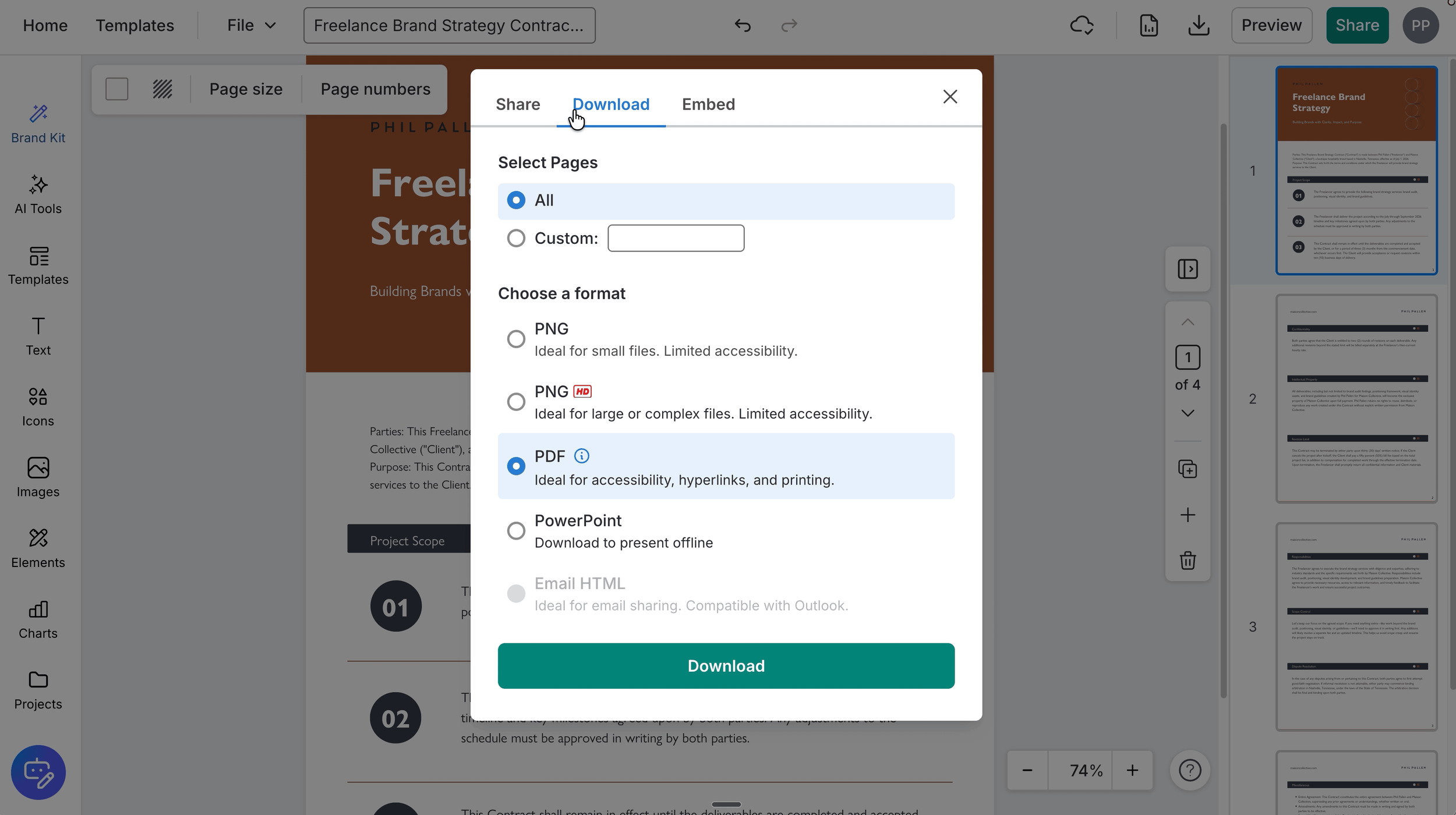
When your contract is ready, export as a PDF. It's ideal for accessibility, hyperlinks, and printing -- and it locks your formatting so nothing shifts when the client opens it.
Five Things Every Freelance Contract Should Cover
Scope of work -- what's included, what's not, and what happens when a client asks for more
Revision limits -- how many rounds are included in the price, and what gets billed separately after that
Payment terms -- when invoices are due, late payment policy, and whether you require a deposit before work begins
Kill fee -- if a client cancels mid-project, what percentage of the remaining balance they owe you. Fifty percent is standard.
Ownership and usage rights -- who owns the work, when ownership transfers, and what the client can and cannot do with it
Venngage's AI contract generator covers all of these in the template structure. Your job is to make sure the project details are specific to your situation before you send it.
The Full Venngage AI Design Suite
Proposals and contracts are two of the most important client-facing documents a freelancer produces. But Venngage covers a lot more than that.
In my second video in this series, I walk through the full suite -- presentations, social media graphics, reports, and infographics -- all from one platform with your brand kit applied across everything. Over 100 AI design tools in one place. If you want to see how far the tool goes beyond proposal writing, that's the one to watch.
Try Venngage free and start creating professional proposals, contracts, and designs today.
Frequently Asked Questions
Is Venngage's AI proposal generator free to use?
Venngage offers a free plan that gives you access to basic proposal templates and AI features. The full AI proposal generator functionality, including complete brand kit integration and premium templates, is available on paid plans. Use code PhilPallen01 for 50% off an annual Premium or Business plan.
Can I customize the AI-generated proposal template?
Yes. Every proposal template generated by the AI is fully editable inside Venngage's editor. You can edit text directly on the page, swap images, replace icons, apply your brand kit, and use the AI proposal writer to refine any section.
What format can I export my proposal in?
You can export your proposal as a PDF, PNG, or PPTX. For client proposals, PDF is the best format -- it locks the formatting, keeps your links intact, and works in any viewer.
Can I use Venngage for grant proposals and research proposals?
Yes. Venngage's proposal template library includes formats suited for grant proposals, research proposals, and project proposals, in addition to standard business proposals. The AI proposal writer adapts to the tone and structure of each proposal type based on your prompt.
Do I need design experience to use the AI proposal generator?
No. The AI proposal generator is built for non-designers. You describe what you need, the AI builds the layout and fills in the content, and your brand kit handles the visual consistency. The result looks professional without requiring any design skill.
Try Venngage
Use code PhilPallen01 for 50% off an annual Venngage Premium or Business plan.